
MCP Explained for Vibe Coders
Model Context Protocol is the difference between an AI that writes code and one that can check the code works. This is what it is without the spec-speak.
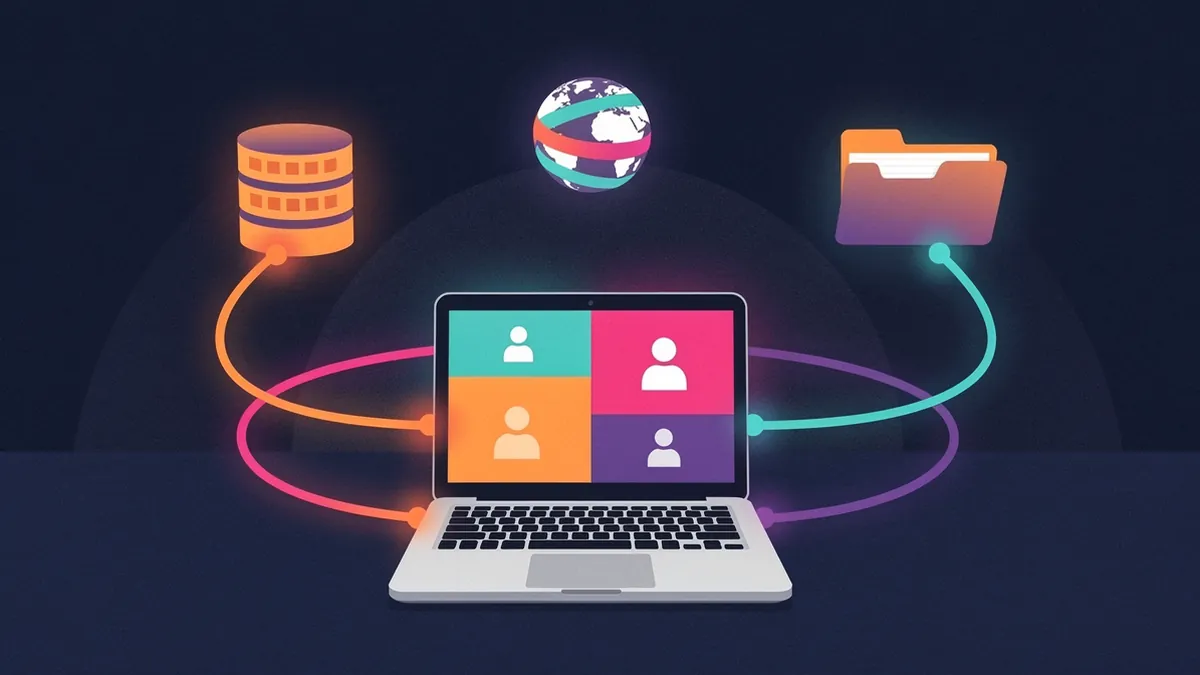
Model Context Protocol is an open standard for letting an AI use tools. That description is accurate and completely fails to convey why it matters, so this is the version that does.
Inside This Post
7 sections
The problem it solves
An AI writing code is working blind. It can't see your database schema, so it guesses at column names. It can't open your app, so it can't tell whether the button it just styled is actually visible. It can't read the current documentation for the library you're using, so it writes against whatever version it learned during training.
You compensate by becoming a relay. You paste the schema. You screenshot the broken layout. You copy the error from the console. Every one of those is you doing a job the machine could do, badly, with a delay, and only when you remember to.
MCP is a standard way to hand those jobs back.
What it actually is
A server exposes some capability — query this database, control this browser, search this API. A client is your AI tool. The protocol defines how the client discovers what a server can do and how it calls it.
The important consequence is standardization. Before, every tool needed custom integrations with every service, so you got whatever your vendor happened to build. Now anyone can write a server and it works across every tool that speaks the protocol.
The practical experience is: you add a few lines of config, and your AI can suddenly do a thing it couldn't do before.
The ones that change how you work
Browser control — Playwright MCP and similar. This is the big one for anything with a user interface. The agent navigates to your page, clicks things, reads the console, and sees the actual rendered result.
The difference is categorical. Without it, the loop is: AI writes code → you look → you describe what's wrong → AI guesses. With it: AI writes code → AI looks → AI fixes it. Multiple rounds of that happen before you're involved at all.
Database access — Supabase MCP and equivalents. The agent reads your real schema instead of guessing. An enormous share of AI-generated backend bugs are simply queries against a table structure the model invented, and this eliminates that entire class.
Live documentation — Context7 and similar. Pulls current docs for the exact library version you're on. Kills the "that function signature changed last year" problem.
GitHub — issues, pull requests, code review as agent tools. Useful once you're working with other people or want an agent to act on tickets directly.
Web access — search and page fetching, so the agent can research an error message or read a vendor's API docs without you pasting anything.
The pattern underneath
Notice what these have in common: each one lets the AI get information itself instead of being told, or verify its work instead of assuming.
That's the whole value proposition. An agent that can check its own output operates in a fundamentally different mode from one that can't. It catches its own mistakes, iterates without you, and gets much further before it needs a human. Everything else is detail.
Setting one up
The mechanics vary slightly by tool but the shape is consistent: a config file listing the servers you want, each with a command to run it and any credentials it needs. Most tools also have a command or UI for adding them.
Two things worth knowing on the first attempt. Servers usually run as local processes, so you may need Node or Python available. And they need to be restarted when config changes — a surprising number of "it isn't working" reports are a tool that hasn't been restarted.
Security, because this part is real
An MCP server runs with real permissions and real access. A database server can read your data. A filesystem server can read your files. This is the point, and it's also the risk.
Sensible practice:
- Install servers from sources you trust. Read what a server can do before adding it.
- Scope credentials narrowly. A GitHub token limited to one repository, not all of them.
- Point database servers at development, not production, until you're confident.
- Restrict filesystem servers to a specific project directory.
There's a subtler risk worth understanding. When an agent reads external content — a web page, an issue, a document — that content can contain text written to look like instructions. A well-built tool treats fetched content as data rather than commands, but you should stay aware that anything your agent reads is potentially adversarial. Be especially careful about combining broad data access with the ability to send things outward.
Is it worth the setup?
If you're building anything with a user interface: yes, browser control alone justifies it.
If you're working against a database: yes, schema access removes a whole category of bugs.
If you're writing a small script: probably not. The overhead isn't free.
The general rule — MCP is worth configuring when you notice yourself repeatedly copying information into the chat. That copying is a signal that the agent needs a capability it doesn't have.
See the full MCP & Integrations section of the directory for specific servers worth adding.
Like this guide? Add Vyebe as a preferred source on Google and see more of our posts when you search.
Worth Reading
 Getting Started
Choosing Your First AI Coding Tool
There are two dozen options and most comparisons are marketing. Pick based on what you're actually trying to do, not on the hype.
Getting StartedClaude Code Agent Teams Still Experimental After 56 Fixes
Claude Code agent teams run several sessions that message each other. How to turn them on in 2026, what they cost, and the side effects most guides miss.