
Shipping a Vibe-Coded App to Production
The checklist between "it works on my screen" and "strangers can use this safely." Most of it is not optional, and none of it requires you to stop using AI.
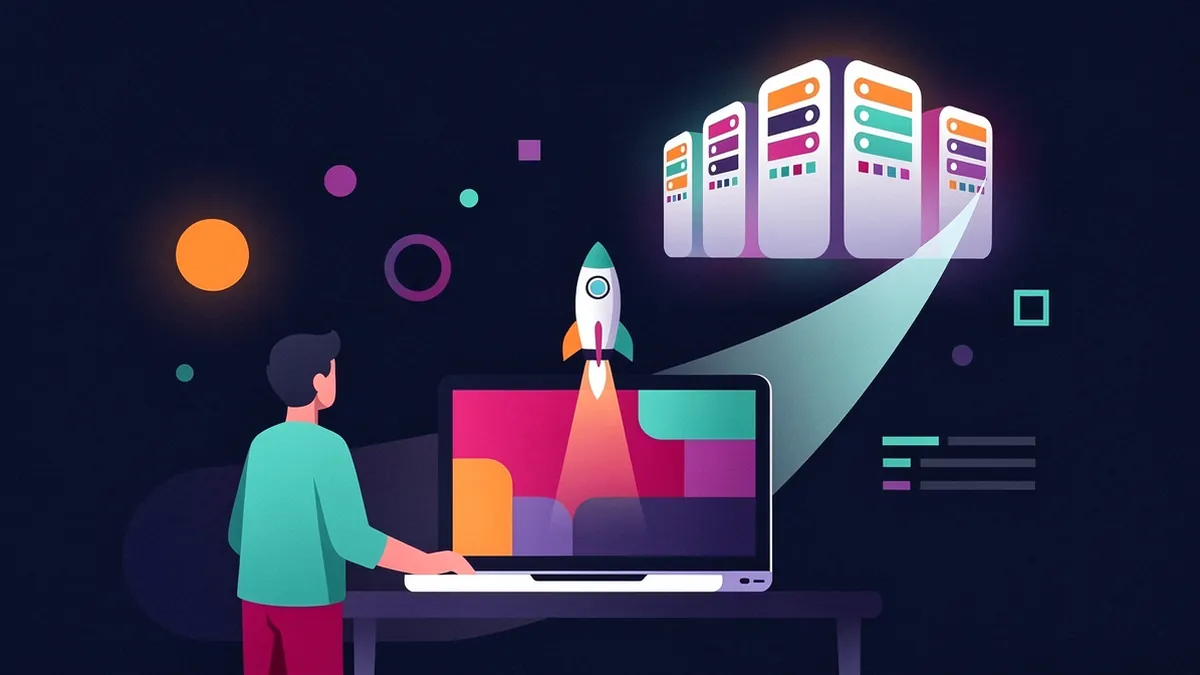
Your app works. You can click through it and everything does what it should. That is genuinely an achievement, and it is not the same as being ready for other people.
The gap is almost entirely about failure modes that produce no visible error. Your app works perfectly with an exposed API key. It works perfectly with a database anyone can read. Nothing tells you. That's the problem.
This is the list that matters, in the order that matters.
Inside This Post
11 sections
1. Secrets
The single most common serious mistake in vibe-coded apps.
An API key hardcoded in your source, or in frontend code, is public. Not "probably fine" — public. Anything shipped to the browser can be read by anyone who opens developer tools. Bots scan GitHub for committed keys continuously, and a leaked cloud provider key can generate five figures of charges before you notice.
What to do:
- Every secret lives in an environment variable, never in source.
.envis in.gitignore. Check this right now.- If a key was ever committed, rotate it. Removing it from the current version doesn't help — it's in git history forever.
- Understand which variables are exposed to the browser. In most frameworks a prefix like
NEXT_PUBLIC_orVITE_means "shipped to the client." Never put a secret behind those. - Keys that must be used from the frontend need restrictions set at the provider — domain limits, scope limits, spending caps.
Do this first. Everything else on this list can be fixed after launch. This one can't.
2. Database access rules
If you're on Supabase, Firebase, or anything similar, your database is reachable from the internet by design. What stops a stranger reading every row is the access policy layer — Row Level Security in Postgres terms.
A table with RLS disabled, or with a policy that says true, is a public table. Your app looks fine because your app only asks for the right rows. Nothing stops someone asking for all of them.
Check every table. For each one answer: who can read this, who can write it, and what enforces that? "The frontend only shows the user their own data" is not an answer — the frontend is not a security boundary.
This is the second-most-common serious mistake, and prompt-to-app builders generate schemas that need it added.
3. Authentication that actually holds
If you have accounts, verify:
- Password rules and reset flow work end to end, including the email actually arriving.
- Sessions expire, and logout invalidates them server-side.
- Every protected route checks authorization on the server. Hiding a button is not access control. If the API endpoint doesn't verify who's calling, the data is available to anyone who finds the URL.
- Users can't act on other users' records by changing an ID in a request. Test this deliberately: log in as one user, take a request, swap the ID to another user's, see what happens.
Use a real auth provider rather than a hand-rolled one. This is not a place where bespoke work pays off.
4. Input validation on the server
Validation in the browser is a user experience feature. It stops innocent mistakes and it stops nothing else, because requests can be sent directly to your API without ever loading your page.
Every endpoint validates its own input, server-side: types, lengths, ranges, and permitted values. Use a schema validator and apply it at the boundary.
5. Error handling and monitoring
Right now, if something breaks for a user at 2am, you learn about it when they email you — if they bother.
- Install error tracking. Sentry has a free tier and takes about fifteen minutes.
- Make sure errors shown to users are useful and don't leak stack traces or internals.
- Have a real 404 and a real 500 page.
- Scrub personal data before it reaches your error reports.
There's a specific reason this matters more for vibe-coded projects: a production stack trace is exactly the context an AI agent needs to fix something. Without monitoring you have "a user said it broke," which no model can work with.
6. Tests on the paths that matter
Not full coverage. Five tests:
- Someone can sign up.
- Someone can log in.
- The core action of the app works.
- Payment works, if you take money.
- Whatever destroys data if it goes wrong.
Ask the AI to write them, then read them yourself — tests written by the same model that wrote the bug can encode the bug. These five let you keep changing the app without fear, which is the actual point.
7. Backups
Where is your data, and what happens if it's deleted?
Managed databases usually have automated backups, sometimes only on paid tiers. Find out which tier you're on, confirm backups are running, and — the step everyone skips — restore one once to confirm the backup is real.
8. Cost limits
Set spending caps on every paid service before launch: cloud provider, AI APIs, email, storage. A runaway loop or a scraper hitting an expensive endpoint can generate an extraordinary bill in hours. Every provider offers alerts. Turn them on.
9. Legal basics
If you collect any personal data, you need a privacy policy stating what you collect and why. Terms of service if you have accounts. Cookie consent if you're using analytics and have European users. Generated templates are a reasonable starting point; get review if real money is involved.
10. The pre-launch pass
- Test on a phone. Actually on a phone, not a resized window.
- Click through with an empty account — most apps are only ever tested with the developer's populated one.
- Try to break your own forms: empty, enormous, emoji,
<script>tags, SQL-looking strings. - Check it loads on a slow connection.
- Confirm the custom domain and HTTPS work.
The realistic version
This looks like a lot. In practice, items 1, 2, and 3 are non-negotiable and take an afternoon. Items 5, 7, and 8 take about an hour combined and prevent the most expensive surprises. The rest can follow after launch.
And all of it can be done with AI assistance — these are extremely well-documented problems with standard solutions. The reason they get skipped isn't difficulty. It's that nothing in your development loop ever tells you they're missing, because a missing security policy doesn't throw an error.
That's the whole insight: production readiness is the set of problems that are invisible from inside your own browser.
Want a second pair of eyes before you launch? Rescue does pre-launch reviews as well as unsticking stalled builds.
Like this guide? Add Vyebe as a preferred source on Google and see more of our posts when you search.
Worth Reading
 Getting Started
MCP Explained for Vibe Coders
Model Context Protocol is the difference between an AI that writes code and one that can check the code works. This is what it is without the spec-speak.
 Getting Started
Choosing Your First AI Coding Tool
There are two dozen options and most comparisons are marketing. Pick based on what you're actually trying to do, not on the hype.